

Auction calendar
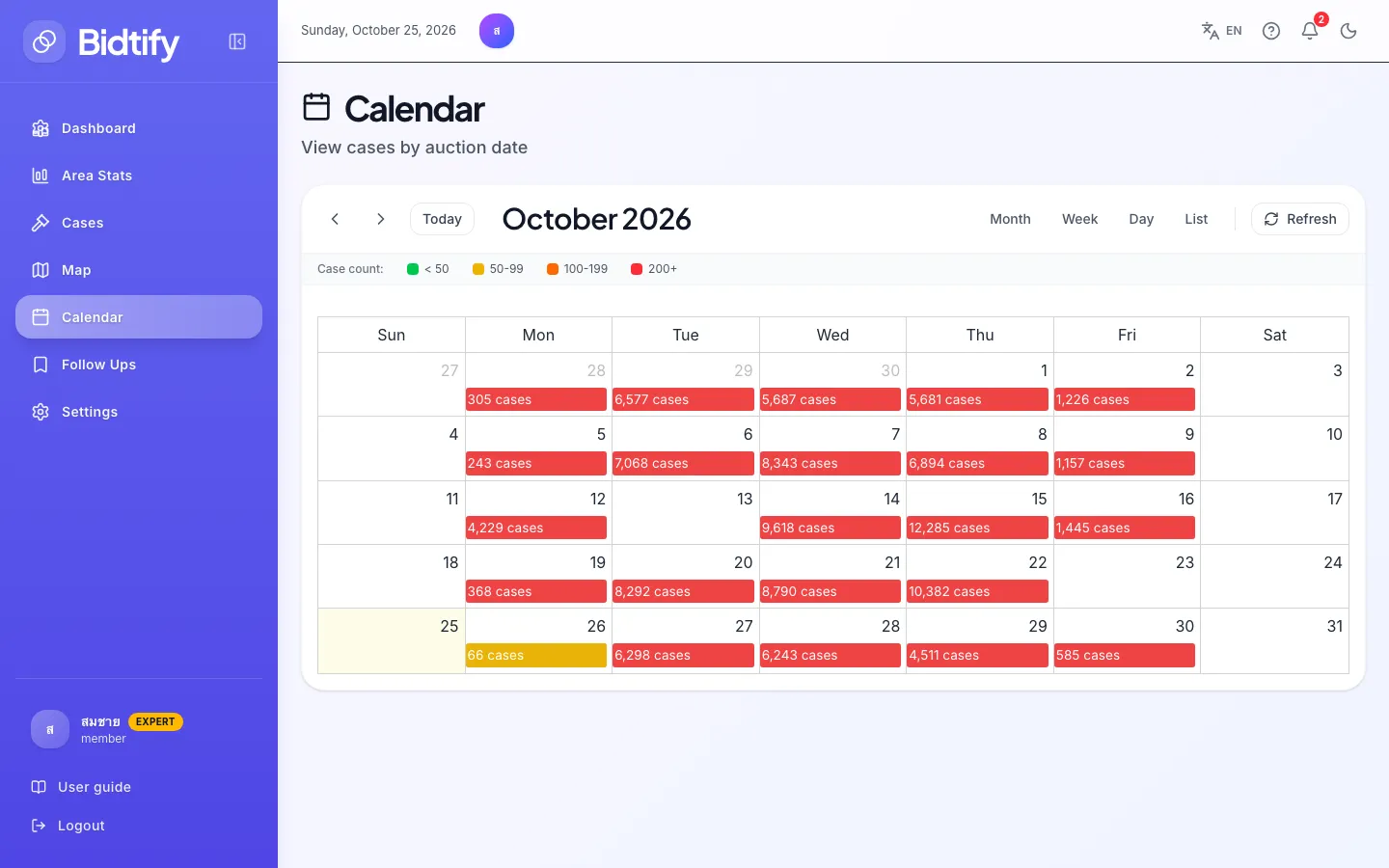
The Calendar shows how many cases go to auction on each day. Use it to plan which auction days to attend and to find cases scheduled when it suits you. Available on every plan.
How do I use the calendar?
Section titled “How do I use the calendar?”- Previous / Next move back or forward a month, week or day.
- Today jumps back to the current date.
- Month, Week, Day and List change the view. List is easiest to read on a phone.
- Refresh loads the latest data.
Each day has a bar with its case count, for example “85 cases”. Click the bar or the date to open the case list for that auction day, then filter further as usual.
What do the bar colours mean?
Section titled “What do the bar colours mean?”| Colour | Cases that day |
|---|---|
| Green | Fewer than 50 |
| Yellow | 50–99 |
| Orange | 100–199 |
| Red | 200 or more |
Busy days are usually when many Legal Execution offices hold auctions at once. Check each case’s selling office on its details page before you travel.